

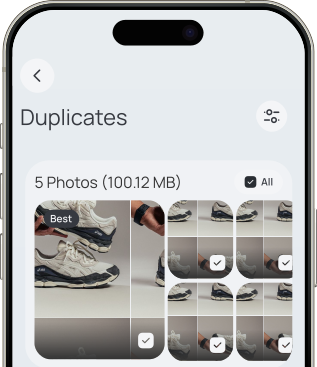
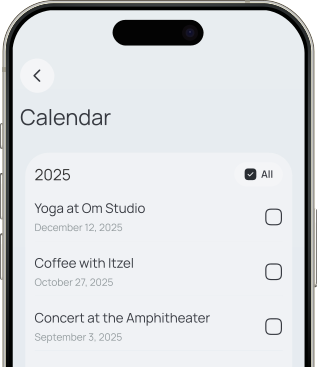
Clyno automatically cleans photos, videos, contacts, and calendar events, helping your phone stay fast, organized, and secure.


Clyno automatically cleans photos, videos, contacts, and calendar events, helping your phone stay fast, organized, and secure.
80% of users report increased device performance
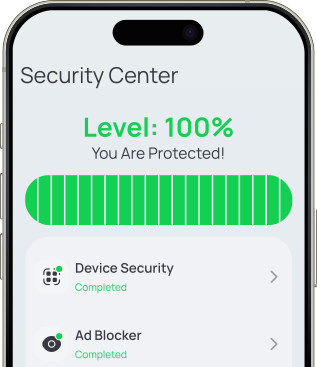
Clyno automatically tracks, scans, and neutralizes security threats using smart storage management. Say goodbye to slowdowns and enjoy safer phone use, every day.
Clyno works by finding the extra things on your device that you don’t need and safely removing them. It works in the background so you don’t have to do the hard work of sorting through files, photos, or contacts.
No, Clyno is designed to identify safe-to-delete items like duplicates, blurred photos, and temporary files. You’ll always see what’s being deleted and can confirm before anything is removed.
Yes, your data remains confidential. Clyno does not access your private data beyond what’s needed to complete cleaning tasks. No content is shared or stored outside your device.
Absolutely. You can choose what categories Clyno cleans and set up smart filters for photos, videos, and contacts. You can review everything before finalizing.
No. Clyno can suggest optimizations and set up reminders so you can keep your phone clean on autopilot.
Yes! If you need help, you can reach out through the app (Settings → Help & Support) or send us a quick message via email using the form below.
To cancel your subscription, go to your account settings in the app, find the “Subscriptions” or “Billing” section, and select “Cancel Subscription.” Follow the on-screen instructions to complete the cancellation. You may also be able to cancel through the Apple App Store that you used to subscribe. If you need help, contact customer support.
To request a refund, go to the Support or Help section in the app or on the website, then submit a refund request with your order or subscription details and a brief reason for the request. If you purchased through the Apple App Store, you may need to request the refund directly through your app store account purchase history. If you need help, contact customer support for assistance.

